
Legacy Application Modernization Without a Risky Big-Bang Rewrite
Almost every growing company has one. It might be a PHP application written a decade ago by a developer who has since left, an Access database that quietly beca...
Read article
Your ERP is the system of record for inventory, orders, invoices, and fulfillment. Customers still want self-service: order status, invoices, returns, catalog browsing, and account updates without calling your team. The naive response is to bolt a customer login onto the ERP itself. That path often slows finance closes, clutters permissions, and turns every portal request into a risky change on the operational core.
A better pattern is a dedicated customer portal that sits on top of the ERP. The portal owns experience, authentication for external users, and lightweight workflows. The ERP stays authoritative for money, stock, and compliance. Teams that work with SquartUp on ERP-adjacent products usually succeed when they treat the portal as a product boundary, not as a skin on the ledger.
This guide walks through architecture choices, integration patterns, performance safeguards, security and tenancy, phased delivery, real scenarios, checklists, and FAQs. It is written for operations leaders, IT managers, and product owners who need customer self-service without putting month-end close at risk.
ERPs are optimized for internal accuracy, audit trails, and dense transactional workflows. Customer portals are optimized for clarity, speed, mobile use, and guided self-service. Forcing both jobs into one UI creates conflicting priorities. Internal users need power and density. External users need simplicity and safety.
Loose coupling also protects change velocity. Portal teams can ship UX improvements weekly without waiting for ERP release windows. ERP admins can apply patches and fiscal-period rules without worrying that a marketing experiment will break posting. When the two systems share only well-defined contracts, failures stay contained.
Finally, licensing and access models differ. Many ERP seats are expensive and designed for employees. Customer accounts may number in the thousands. A separate portal identity plane is usually cheaper and easier to govern than granting thousands of external users direct ERP access.
Start with the jobs customers try to finish without calling support. Typical candidates include checking open orders, downloading invoices, requesting returns, updating ship-to addresses, viewing credit status, and placing repeat orders from approved catalogs. Rank each job by call volume, revenue impact, and ERP write risk.
Separate read-heavy experiences from write-back experiences. Status and invoice views are usually safe to start with because they are mostly reads. Order placement, credit requests, and inventory reservations write into the ERP and need stronger validation, idempotency, and rollback thinking. A phased product roadmap that ships read experiences first builds trust while the write paths mature.
Interview support and sales ops. They know which portal features will actually reduce tickets and which will create new ones. Capture the exact fields people ask for on the phone. Those fields become your API contract draft.
The core rule is simple: never let customer traffic become ERP load. Portals should read from caches, replicas, or a purpose-built read model whenever possible. Writes should go through controlled APIs or queued commands that the ERP consumes at a sustainable rate. Synchronous fan-out from every page view into the ERP is how you create intermittent outages during marketing spikes.
A practical reference shape looks like this. The portal application handles sessions, UI, and authorization for customers. An integration service maps portal actions to ERP documents. A read store or search index holds denormalized order and invoice summaries for browsing. Nightly or near-real-time sync keeps summaries fresh. Critical write actions call the ERP with timeouts, retries, and clear user messaging when the core is busy.
Prefer event-driven updates when the ERP can emit them. When it cannot, use polling with backoff and watermarking rather than full table scans. Track lag as a first-class metric. Customers tolerate a few minutes of delay on status better than a slow or failing ERP during peak order entry.
Choose contracts that operations can understand. Document which portal fields map to which ERP entities. Decide whether the portal stores copies or only references. Copies speed browsing. References reduce drift. Most successful portals store a curated copy for display and treat the ERP as authority when money or stock changes.
Idempotency matters more than people expect. Customers double-click. Mobile networks retry. Support may resubmit a return request. Every write-back should carry a stable key so the ERP or integration layer can ignore duplicates safely. Without that, you create double shipments and duplicate credit memos.
Reconciliation is part of the product. Build admin screens or reports that show portal actions awaiting ERP confirmation, actions that failed validation, and records where portal and ERP disagree. Give operations a path to resolve exceptions without engineering every time.
Customer portals expand your attack surface. Treat external authentication as its own concern: strong password policy or SSO for B2B buyers, MFA for high-value accounts, session timeouts, and lockouts. Never reuse employee ERP credentials for customers. Never expose ERP primary keys that reveal sequence patterns if you can avoid it. Use opaque portal identifiers mapped server-side.
Tenancy must be proven on every request. A customer should only see their company accounts, ship-tos, and documents. Test for broken access control early with automated checks. Multi-branch or dealer networks need explicit hierarchy rules so a parent account can see children only when intended.
Audit external actions. When a customer changes an address or places an order, record who did it, from which IP or device fingerprint if appropriate, and what the previous values were. That trail helps dispute resolution and fraud review without opening the full ERP audit log to portal admins.
Model peak portal traffic separately from ERP capacity plans. A product launch email can create a burst of status checks that dwarfs normal internal ERP usage. If those checks hit the primary database, pickers and accountants feel it first. Capacity planning should include cache hit ratios, read-model lag budgets, and maximum write rates into the ERP.
Use progressive loading. List pages should show summaries. Detail pages can fetch fresher data on demand. Avoid chatty interfaces that fire dozens of ERP calls per screen. Bundle what the portal needs into intentional endpoints.
Load-test the integration, not only the UI. Synthetic browsers that never exercise write-backs give false confidence. Include scenarios for invoice PDF generation, large order histories, and concurrent return submissions. Watch ERP CPU, lock waits, and job queues during the test, not only portal response times.
Portal domain language should match how customers think: orders, shipments, invoices, credits, returns, and catalogs. ERP language often includes documents, ledgers, warehouses, and dimensions. Map deliberately. Do not leak ERP jargon into customer copy unless your buyers already live in that world.
Store enough history in the portal read model for common browsing windows, such as twenty-four months of invoices, while keeping older archives available through on-demand fetch or export. Decide retention with finance and legal, not only with engineering convenience.
Handle master data carefully. Customer name and address changes may need approval workflows. Price lists and discount agreements should come from the ERP or a pricing service, not from editable portal fields that can drift. Catalog visibility may depend on contract, region, or credit status. Encode those rules in one place and reuse them.
A mid-size distributor fields constant calls asking where an order is and requesting invoice PDFs. Support staff look up the same screens repeatedly. A first portal release can expose order status, estimated ship dates, tracking links, and invoice downloads for authenticated buyers. The ERP remains the source of shipments and AR documents. The portal syncs summaries every few minutes and fetches PDF binaries through a controlled service account.
Write-backs are limited to address correction requests that create an ERP task for clerks. That single decision prevents customers from silently changing ship-to data on open transfers. Tickets drop, and ERP load stays predictable because list browsing never touches the primary OLTP path.
A manufacturer wants dealers to order spare parts online against real availability. Direct ERP order entry for hundreds of dealers risks lock contention and confusing UX. Instead, the portal shows availability from a reserved inventory projection. When a dealer submits an order, the integration service creates an ERP sales order with an idempotency key and waits for confirmation within a timeout. If confirmation is slow, the portal shows a pending state and continues polling rather than leaving the dealer unsure.
Hard allocations happen in the ERP. The portal never invents stock. When stock is insufficient, the ERP rejection becomes a clear portal message with substitute suggestions if the business allows them. This keeps the core rules centralized while still giving dealers speed.
Phase one should prove value without heroic integration. Authenticated document access and status views are enough for many companies to justify the program. Phase two adds guided requests: returns, quote requests, or appointment scheduling that create ERP tasks. Phase three adds transactional ordering or payments with stronger controls. Phase four deepens personalization, analytics, and partner hierarchies.
Each phase needs exit criteria: adoption thresholds, ticket deflection, error budgets, and ERP performance unchanged within agreed bounds. Do not start phase three because a demo looked pretty. Start it because phase two metrics and operational readiness say the write path is trustworthy.
Ambiguous ownership kills these programs. Name an ERP owner for data definitions, posting rules, and integration SLAs. Name a portal product owner for UX, customer authentication, and backlog priority. Name an integration owner for contracts, monitoring, and incident response. Meeting cadence should include both customer support metrics and ERP health metrics so trade-offs stay visible.
Change management matters. When ERP document schemas change, the portal contract needs versioning. When portal marketing wants a new field, finance must confirm it will not confuse reporting. A lightweight architecture review for write-path changes prevents surprise load on close week.
Agencies can accelerate delivery when they respect those boundaries. SquartUp often helps teams design the portal product slice, the integration contract, and the operational runbooks so internal ERP specialists are not flooded with UI tickets.
The first failure mode is portal-as-ERP-skin. If every click becomes a live ERP transaction, you inherit ERP latency and downtime as the customer experience. Fix it with a read model and disciplined write paths.
The second is unbounded customization. Stakeholders ask for one-off fields per key account until the portal becomes an untestable maze. Prefer configurable rules and account-level flags over unique code paths for each logo.
The third is ignoring master data quality. Duplicate customers, stale ship-tos, and inconsistent unit of measure codes will look worse in a polished UI than they did in a green screen. Budget cleansing before launch marketing.
The fourth is silent sync failure. If overnight jobs fail and nobody notices, customers see wrong balances and trust collapses. Alert on lag and failed batches. Show freshness timestamps on critical screens when delay is material.
The fifth is launching write-backs during ERP freeze windows. Coordinate with finance calendars. A portal that allows order edits during inventory freeze or year-end close can create costly cleanup.
Track leading and lagging indicators. Leading: weekly active customer accounts, login success, and page performance. Lagging: support tickets by reason code, average handle time, order defects tied to customer entry, and ERP incidents attributable to portal traffic. Interview account managers quarterly and combine their feedback with ticket analytics.
Sometimes, especially for light B2B scenarios already covered by the vendor. Evaluate licensing, UX quality, external user management, and upgrade risk. Many teams still prefer a separate portal when branding, mobile experience, or multi-system aggregation matters.
Often near real time is enough. Five minutes of lag is acceptable for many distribution use cases if tracking links and ship confirmations are accurate. Ultra real-time is expensive and can harm the ERP. Set an explicit freshness target with sales and support.
Use middleware, staged files, or robotic process automation only as temporary bridges with strong monitoring. Prioritize durable APIs for write-backs. Weak integration is not a reason to grant customers direct ERP logins.
Only with clear role and hierarchy design. Mixing partner pricing and consumer experience in one tangled permission model creates leaks. Separate experiences can still share an integration layer.
Freeze a versioned contract, provide sandbox data, and route portal feature requests through product owners who understand which asks require ERP change versus portal-only change. Protect ERP specialists for true core rules.
Customer portals create leverage when they remove repetitive status and document work without turning the ERP into a public website. The winning design is boring in the best way: clear boundaries, modest read lag, guarded write-backs, strong tenancy, and operations dashboards that show both customer outcomes and core-system health.
If you are planning a portal beside an existing ERP, start with the support reasons you can deflect safely, define the integration contract early, and resist the urge to expose every internal field. When you want a partner that can help shape the product slices, integration patterns, and delivery plan around your operational reality, explore how SquartUp approaches ERP-adjacent builds and customer-facing platforms. The goal is not a flashier database. The goal is faster answers for customers and a calmer close for your internal teams.

Almost every growing company has one. It might be a PHP application written a decade ago by a developer who has since left, an Access database that quietly beca...
Read article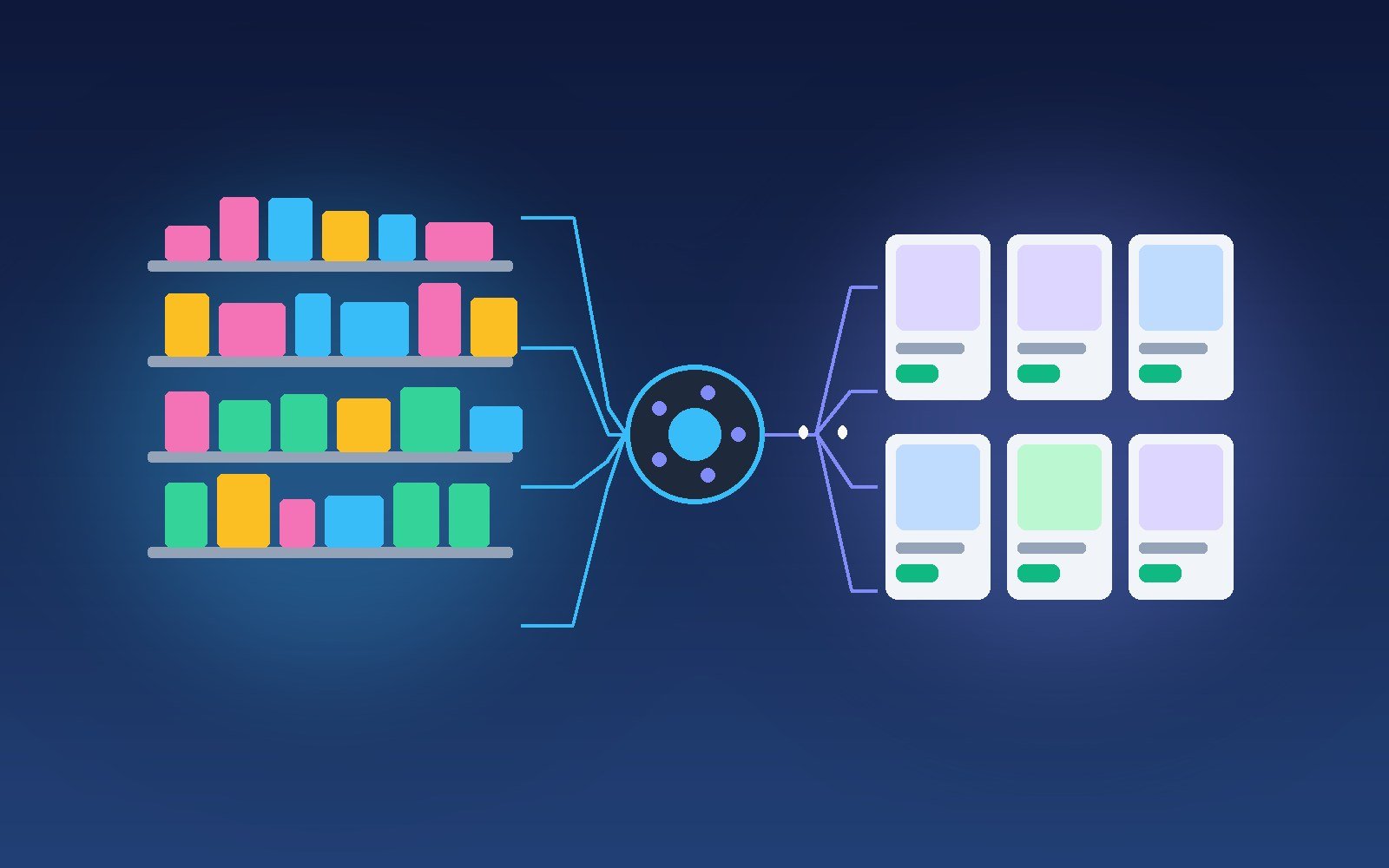
Most growing stores discover their ERP integration problem the same way: a customer buys something the website swore was in stock, the warehouse cannot find it,...
Read article
B2B manufacturers rarely lose deals because a PDF quote looked slightly imperfect. They lose deals because quoting is slow, inconsistent, and disconnected from...
Read articleTell us about your project. We will scope it honestly, propose a clear timeline, and show you how we have helped companies like yours ship faster.