
ERP and Ecommerce Integration That Keeps Inventory Honest
Most growing stores discover their ERP integration problem the same way: a customer buys something the website swore was in stock, the warehouse cannot find it,...
Read article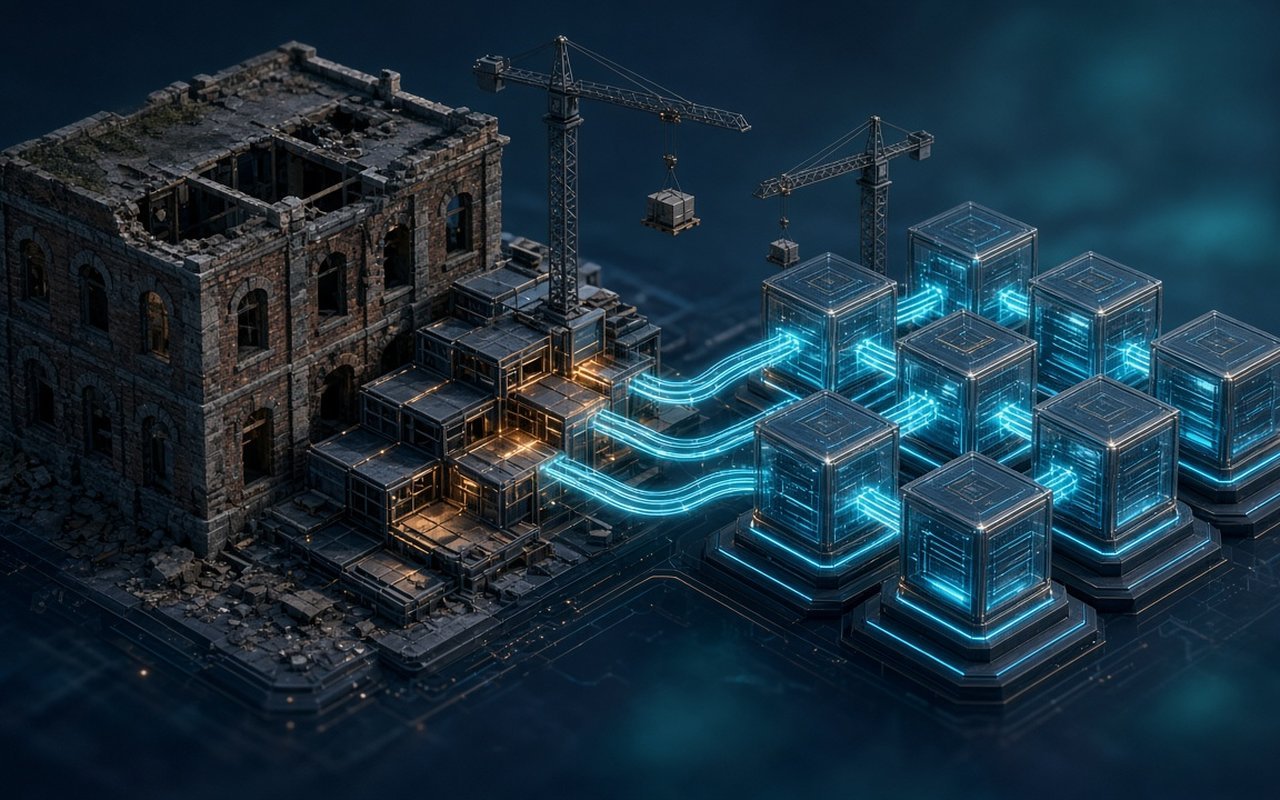
Almost every growing company has one. It might be a PHP application written a decade ago by a developer who has since left, an Access database that quietly became the order system, or a custom portal running on a framework version nobody wants to touch. It still works, mostly. It also slows every new feature, scares the people who deploy it, and holds data the business cannot run without.
The instinctive answer is a rewrite: freeze the old system, build a clean new one, and switch over on a chosen weekend. It is also the answer that most often goes wrong. Rewrites run long because the old system encodes years of business rules nobody wrote down. While the new build catches up, the old one keeps changing, so the target moves. And the switchover concentrates every risk into a single date.
This guide is for operations leaders, CTOs, and founders who know their core application has to change but cannot afford to stop the business while it does. It covers how to judge what you actually have, how to modernize in slices that each pay off on their own, and how to keep revenue, data, and staff confidence intact while the platform underneath them is replaced.
A rewrite is attractive because it promises a clean break. The trouble is that the old system is not just code. It is a record of decisions: the discount rule added for one large customer, the tax workaround for one region, the report finance checks every Monday. Much of that lives only in the code and in the habits of the people who use it.
When a team rewrites from scratch, it tends to rediscover those rules late, often after launch, when a customer or an accountant notices something is missing. The common failure patterns are predictable:
None of this means you can never rebuild. It means the safest path is usually to replace the old system piece by piece while it keeps running, so that each step is small, visible, and reversible.
Before anyone decides between refactoring, replatforming, or rebuilding, the team needs a clear picture of what exists today. A good assessment is short and practical. It answers questions the business cares about rather than producing a long list of code complaints.
The result should be a one-page view that a non-technical leader can read: which parts of the system are healthy, which are fragile, and which are blocking growth. That view makes the next decision much easier, because it turns a vague sense of technical debt into a ranked list of business problems.
Modernization is rarely one decision. Different parts of the same application usually deserve different treatment. Treating them individually is what keeps the project affordable.
The point of this sorting is focus. Spending engineering time on the parts customers and staff feel most, and stabilizing the rest, delivers visible improvement early and keeps the budget away from areas that do not need it.
The approach most experienced teams use for incremental replacement is often called the strangler fig pattern. The name comes from a plant that grows around a host tree until it can stand on its own. In software, it means building new capabilities around the edges of the old system and gradually routing traffic to them, until the old system has nothing left to do and can be retired.
In practice it works like this:
The business advantage is that every slice ships value on its own. Leadership sees progress every few weeks. If priorities change, the project can pause after any slice without leaving a half-built system that nobody can use.
Code can be replaced in pieces. Data is shared, so it is where incremental modernization needs the most care. If the old and new systems both write to the same records without clear rules, you end up with two versions of the truth.
For every major entity, such as customers, products, orders, and invoices, agree on which system is the source of truth during each phase. Early on, that is usually the legacy database. As slices move, ownership moves with them. Writing this down sounds bureaucratic, but it prevents the most expensive class of migration bug: two systems silently overwriting each other.
Legacy databases accumulate duplicates, orphaned records, and fields that were repurposed years ago. Profile the data early, agree on cleanup rules with the people who use it, and run trial migrations into a staging environment repeatedly. By the time a slice goes live, its data move should be rehearsed, not improvised.
A modernization project is judged less on the elegance of its new code and more on whether anything broke along the way. A few habits keep risk low.
These practices also leave the company in a much stronger position after the project ends. Many teams find that the testing and deployment foundations are among the most valuable outcomes of the whole effort.
Legacy systems survive partly because people have learned their quirks. Staff know which button to avoid and which report to export at month end. Changing the system changes their daily work, and resistance usually comes from uncertainty rather than stubbornness.
Bring a small group of real users into each slice early. Show them working screens, not slide decks, and let them try their actual tasks. Their feedback catches missing rules faster than any specification review. When a slice launches, give short, task-based guidance and a clear way to report problems. Fixing the first few complaints quickly does more for adoption than any launch announcement.
It also helps to retire workarounds deliberately. If the team has been keeping a spreadsheet because the old system could not do something, make that capability part of the new slice and invite people to drop the spreadsheet. Visible wins like that build momentum for the slices that follow.
Timelines vary with the size of the system and the state of its data, but the phases tend to look similar. A typical roadmap for a mid-sized business application might run like this:
The order matters more than the dates. Each phase should leave the business better off than before, even if the next phase is delayed.
Incremental modernization is easier to fund than a rewrite because it can be approved in stages. Instead of one large commitment, leadership can approve the assessment, then the foundations, then each slice, with a review between them.
To keep those reviews grounded, agree on a handful of measures at the start and report against them after every slice:
These numbers turn modernization from an engineering request into a business case that improves visibly over time. They also make it clear when a slice is done and the team should move on, which prevents endless polishing of one area.
Even a careful incremental plan can drift. Watch for these signals and correct course early:
Most of these come back to scope and ownership. Narrowing a slice, assigning a business owner to each one, and refusing to skip the safety practices usually gets the project back on track.
If you bring in outside help, the conversation should quickly move beyond technology choices. A partner worth trusting will want to understand your business rules, data, and risk tolerance before recommending a stack. Useful questions include:
Pay attention to that last question. A partner who wants to rebuild everything is optimizing for the size of the project, not for your outcome.
At SquartUp we treat a legacy system as a working asset that holds years of business knowledge, not as a problem to be thrown away. Our engagements usually begin with a focused assessment that maps capabilities, data, and integrations, and ranks the issues by business impact. From there we stabilize what needs protecting, set up the deployment and monitoring foundations, and replace the system in slices that each deliver something your team can use.
We build with Laravel, modern front ends such as React, and cloud or VPS hosting that suits your scale, and we bring the same discipline to customer portals, ERP integrations, and ecommerce platforms. If your core application has become the thing slowing you down, talk to SquartUp about a modernization plan that keeps the business running while the platform improves.
A legacy system does not have to be replaced in one dramatic leap. The companies that modernize successfully understand what they have, choose a different treatment for each part, and move capability by capability behind a front door they control. They plan data ownership before they write code, protect every cutover with tests, monitoring, and a rollback path, and keep users involved from the first slice. Done that way, modernization stops being a risky bet on a launch date and becomes a steady series of improvements that the whole business can feel.
Most growing stores discover their ERP integration problem the same way: a customer buys something the website swore was in stock, the warehouse cannot find it,...
Read article
B2B manufacturers rarely lose deals because a PDF quote looked slightly imperfect. They lose deals because quoting is slow, inconsistent, and disconnected from...
Read article
Your ERP is the system of record for inventory, orders, invoices, and fulfillment. Customers still want self-service: order status, invoices, returns, catalog b...
Read articleTell us about your project. We will scope it honestly, propose a clear timeline, and show you how we have helped companies like yours ship faster.